
I am having so much fun! It is so wild to be able to just start using an app you created yourself and every pain point you encounter turns into an immediate feature request or bug fix, applied nearly instantly.
Building My Own App Is So Much Fun

The App
Here's what I've been working on. It's called Family Table, and it's designed to help manage everything around meal planning for the family.
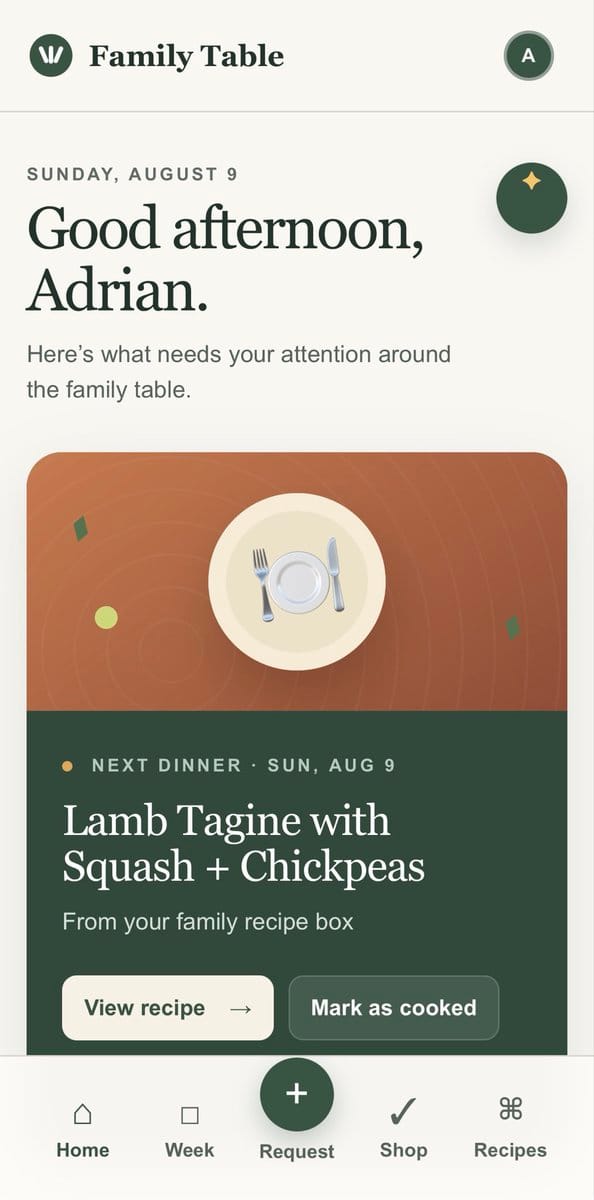
The home screen tells me what needs my attention around the family table. Right now it's showing that our next dinner is Lamb Tagine with Squash and Chickpeas, pulled from our family recipe box. I can view the recipe or mark it as cooked with one tap.
Staying Organized
The app keeps track of everything in one place. There's a shared grocery list so everyone in the family stays caught up. A pantry inventory tracks what we have on hand. And the recipe box holds all our family favorites.
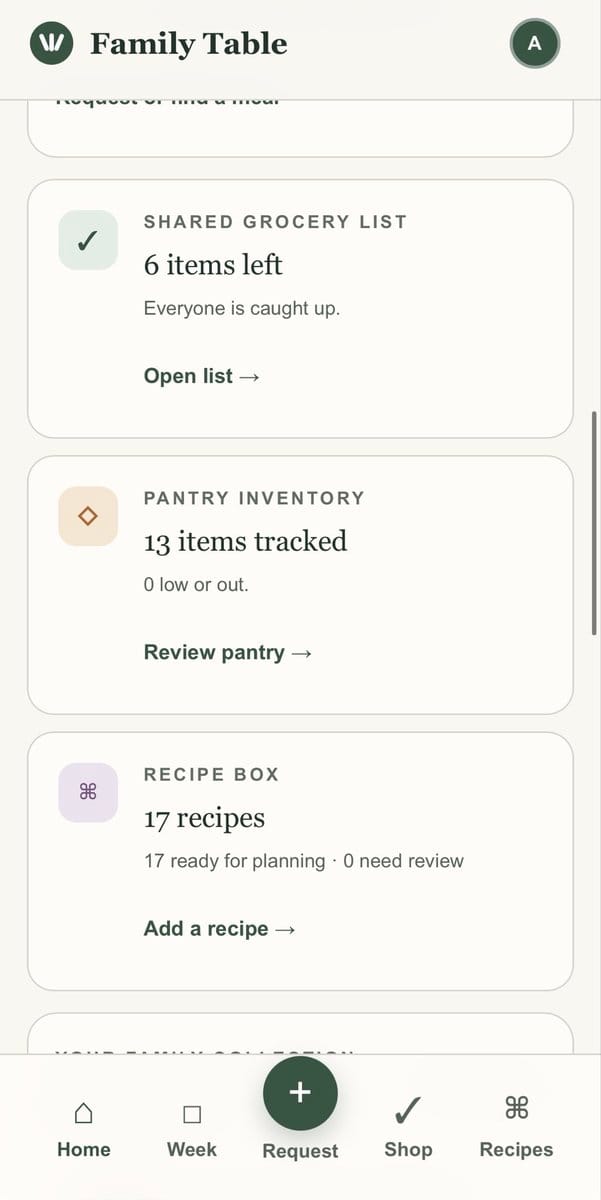
Right now we've got 6 items left on the grocery list, 13 items tracked in the pantry, and 17 recipes ready for planning. It feels good to have it all organized.
Recipe Collection
The recipe box is where the magic happens. We've added recipes by importing photos, pasting links, and adding our own. Everything from Thai Red Curry to Green Beans with Ground Meat to Onigiri Rice Balls.
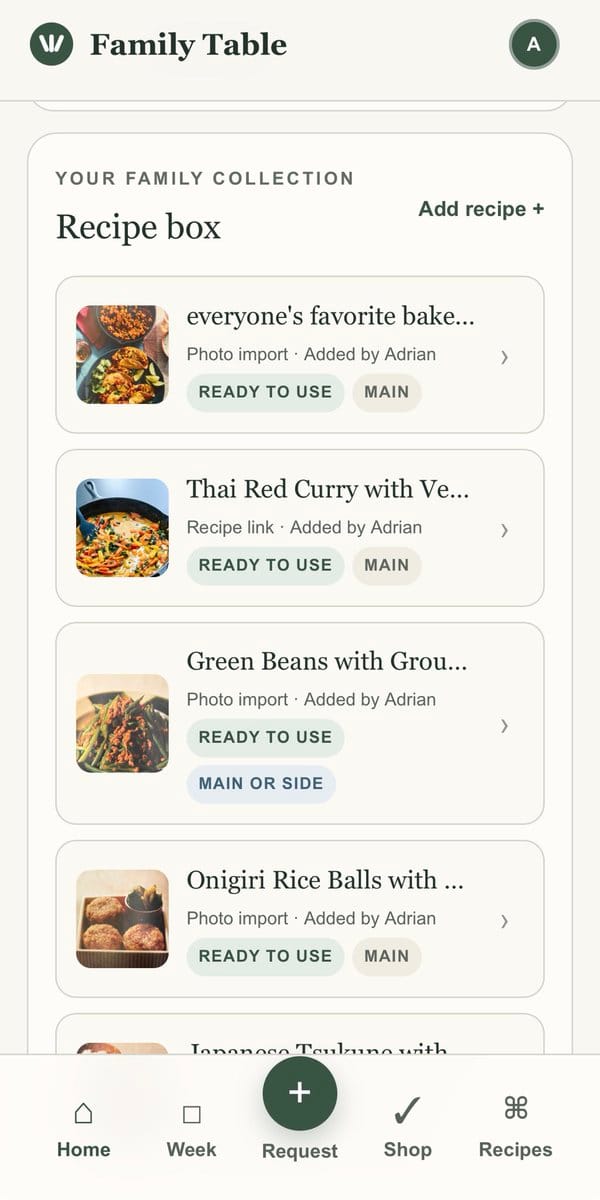
Each recipe shows who added it and whether it's ready to use for meal planning. It's become a digital version of those handwritten recipe cards families used to pass down.
Why It Matters
When you use your own app every day, you notice every little friction point. And because you built it, you can fix it right away. That feedback loop is addictive. Similar to how closing gaps keeps people engaged, fixing pain points in your own tool keeps you coming back.
There's something special about solving your own problems with your own code. Every improvement makes the app better for your family, and that's a reward no other project quite matches.
If you've ever thought about building something for yourself, do it. The joy of using what you created is worth every hour you put in.